
POS VIEW
Sell before you build
With POS VIEW, your field sales team shows new products, displays and POS solutions to scale in the actual market. The retail partner sees the planned solution exactly where it will later stand, can compare variants, and sign off together with sales.

When the retail partner has to imagine the solution themselves
Photos, renderings and dimensions explain a display. But they do not show how it looks in an individual store, whether it fits the space, or which variant convinces. This gap in imagination costs time, creates follow-up questions and weakens the pitch. POS VIEW turns a general presentation into a concrete, joint planning session on site.
What POS VIEW enables in the conversation
- Place several products, displays, fixtures or signage systems in the market at the same time.
- Compare and adjust size, position and variant immediately.
- Sign off on the chosen solution together, with a clear rationale.
- Select objects from a maintained asset library - offline if needed.
- Evaluate usage and feedback in a structured way through POS Pulse.
- Start with a bounded setup, without touching core IT processes.
Suitable sales cases
- FMCG new products, displays and secondary placements
- POS fixtures, retail media elements and modular installations
- Signage systems, floor plan concepts and configurable solutions
- Consultation-heavy offers where the specific location determines approval
ENTRY OFFER
POS VIEW Sell-in Pilot
POS VIEW Sell-in Pilot
One clear sales case, up to five objects, a small field sales group, onboarding and a results report
Next step: Business unit flat rate or a further pilot
8 weeks
POS VIEW Sell-in Pilot
- Scope
- One clear sales case, up to five objects, a small field sales group, onboarding and a results report
- Duration
- 8 weeks
- Next step
- Business unit flat rate or a further pilot
Measurement
The pilot is aligned in advance with a real sales case and clear usage criteria. Sell-in effects are only reported where the required data access exists.
PDF · 1 page · 1.2 MB · in German
POS VIEW in action
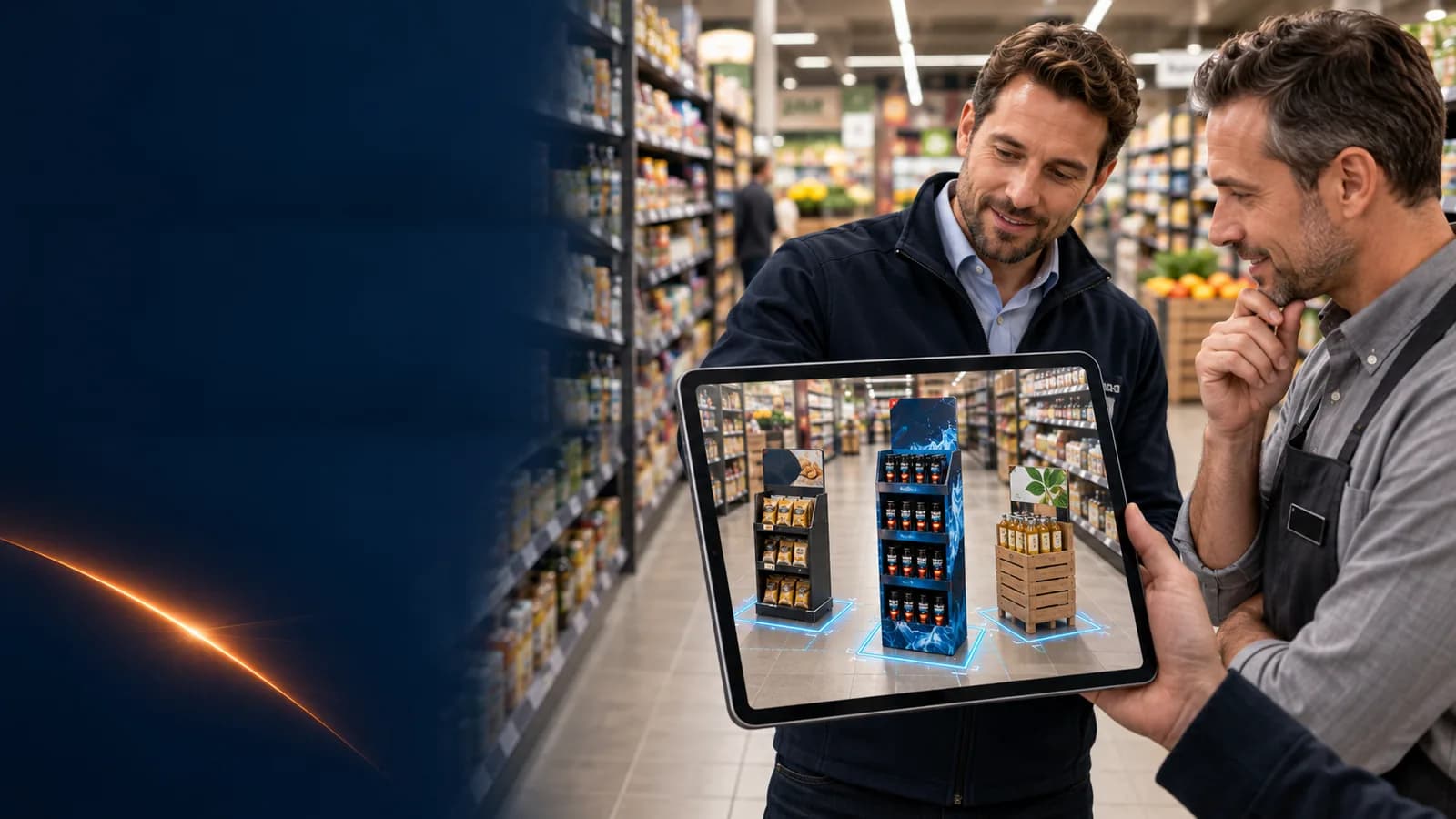
Sell-in directly in the store
Show products, displays and secondary placements true to scale at the actual shelf – on a tablet, with no build-up.